Dark mode for any Windows app
Windows' dark mode only reaches the apps that support it. Deonyx darkens the rest: older programs, design tools, utilities, anything with a light window, without turning colors upside down.
The usual ways, and where they fall short
| What happens | |
|---|---|
| Windows dark mode | Only apps that were built for it follow it. The rest stay white. |
| Color filters (invert) | Everything goes dark, but colors flip too: red becomes cyan, photos look like negatives. |
| High contrast themes | The whole system changes its look, and many apps don't draw well with them. |
| Deonyx | Only lightness flips. Colors, photos and 3D views stay true, and you pick which apps. |
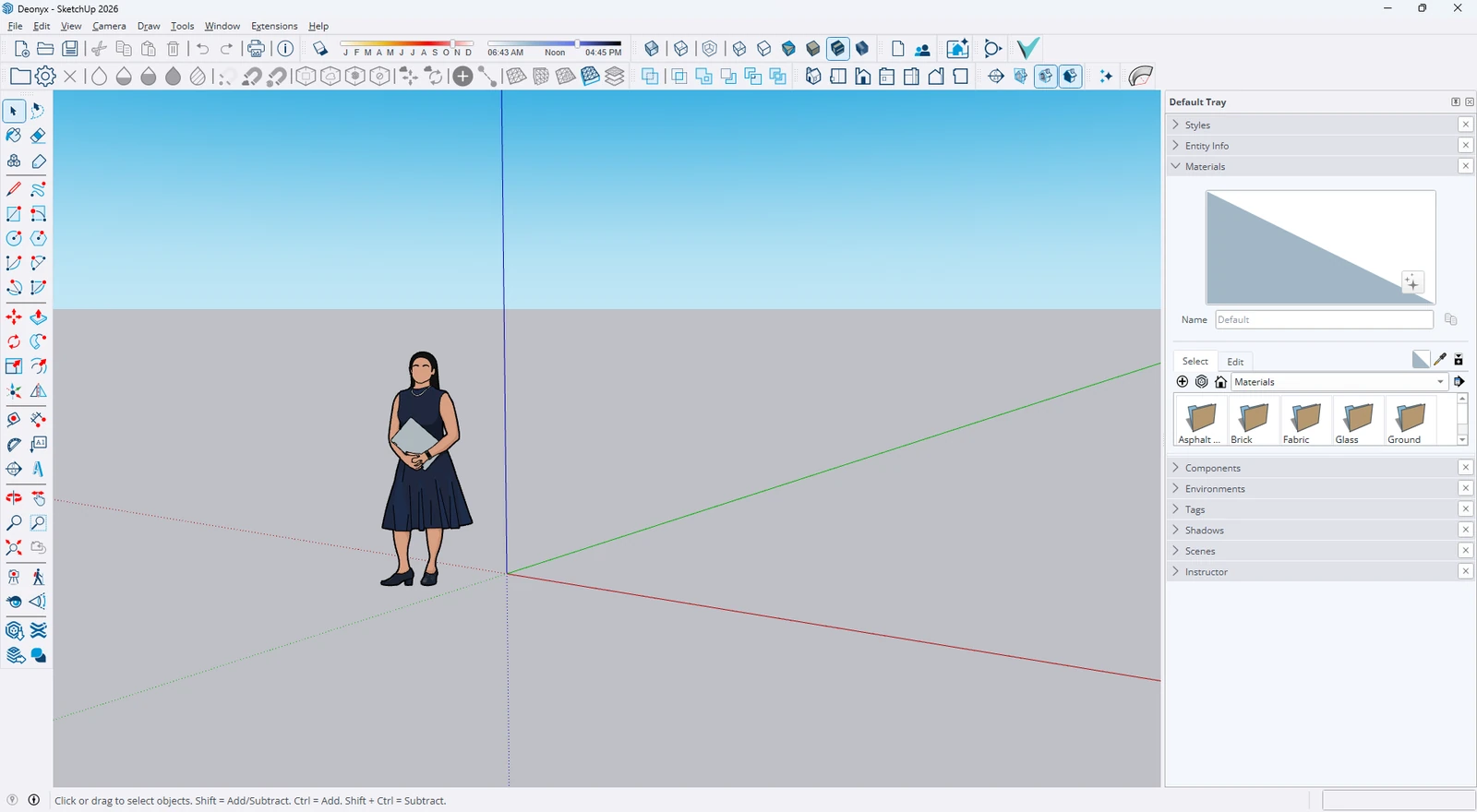
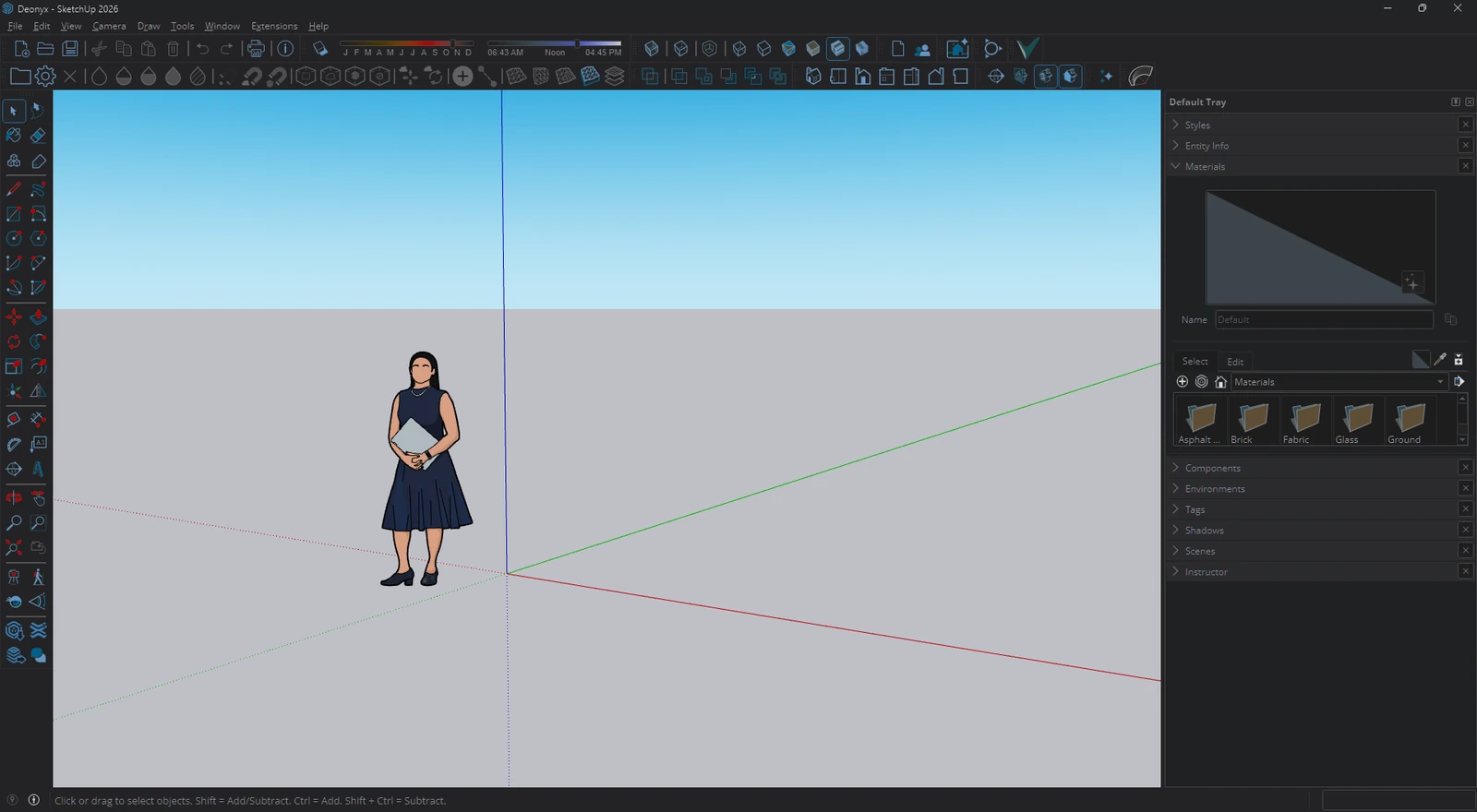
How it works
- Capture. Each window of the apps you choose is captured with Windows.Graphics.Capture. Nothing is injected into them.
- Flip lightness, keep color. Every pixel's lightness is flipped on the graphics card in OKLab, while its hue stays.
- Show it on top. A click-through layer tied to the app's window shows the result right over it. You use the app as always, with no white flash when you switch.
Made to live with
Pick your apps or darken every light window. Choose Gray, Black for OLED, Soft or warm Paper, darken only at night or from sunset to sunrise, keep profiles like Day and Night, and switch it all with a hotkey, from the tray, the command line or a Stream Deck key.
Questions
Does it work on Windows 10?
Yes, on version 2004 or later, and on Windows 11.
What about games and videos?
Full screen games and videos are left alone, and photos and videos inside windows keep their real colors.
Can it darken Task Manager and other admin apps?
Yes, with Run as administrator in its settings. Normal apps keep working with tools like AutoHotkey.
Does it send anything anywhere?
No. It only asks GitHub whether a new version is out, and you can turn that off.
Free and open source (GPL-3.0). Windows 10 and 11. Nothing you see leaves your PC.